Supply Room
Project Role | CreatorOne tool for the textures I kept rebuilding by hand. Supply Room puts ASCII, dither, halftone, pixel and screen effects in one editable app, made for designers who need the look fast and the control to finish it.
Five ModesScreen, Pixel, Halftone, Dither and ASCII, each with its own controls, from classic dither algorithms to 90s and Y2K console output
Curated LooksPresets like Zine, Worn and Gig Flyer give each mode a strong starting point, built from the references people actually bring to a brief
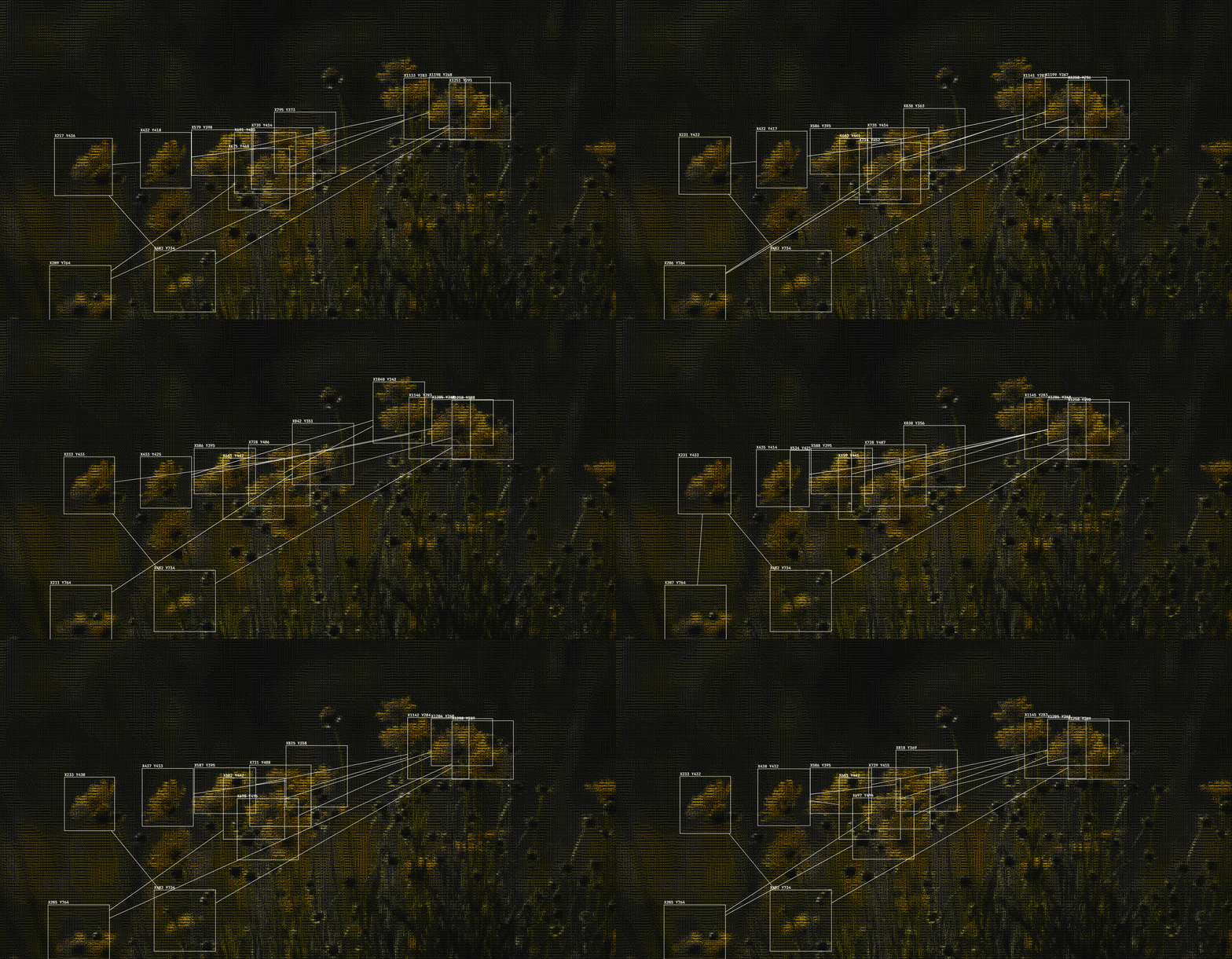
PhotocopyA dedicated mode with paper grain, mottle, skew, smear and moiré, modeled on real photocopy references rather than a generic noise filter
Input/OutputExports to PNG, SVG, plain text and animated GIF frames, with an embeddable engine for use on its own page. Linked directly to open source collections, and every image links straight back to its original source, so credit goes to the people who made it.
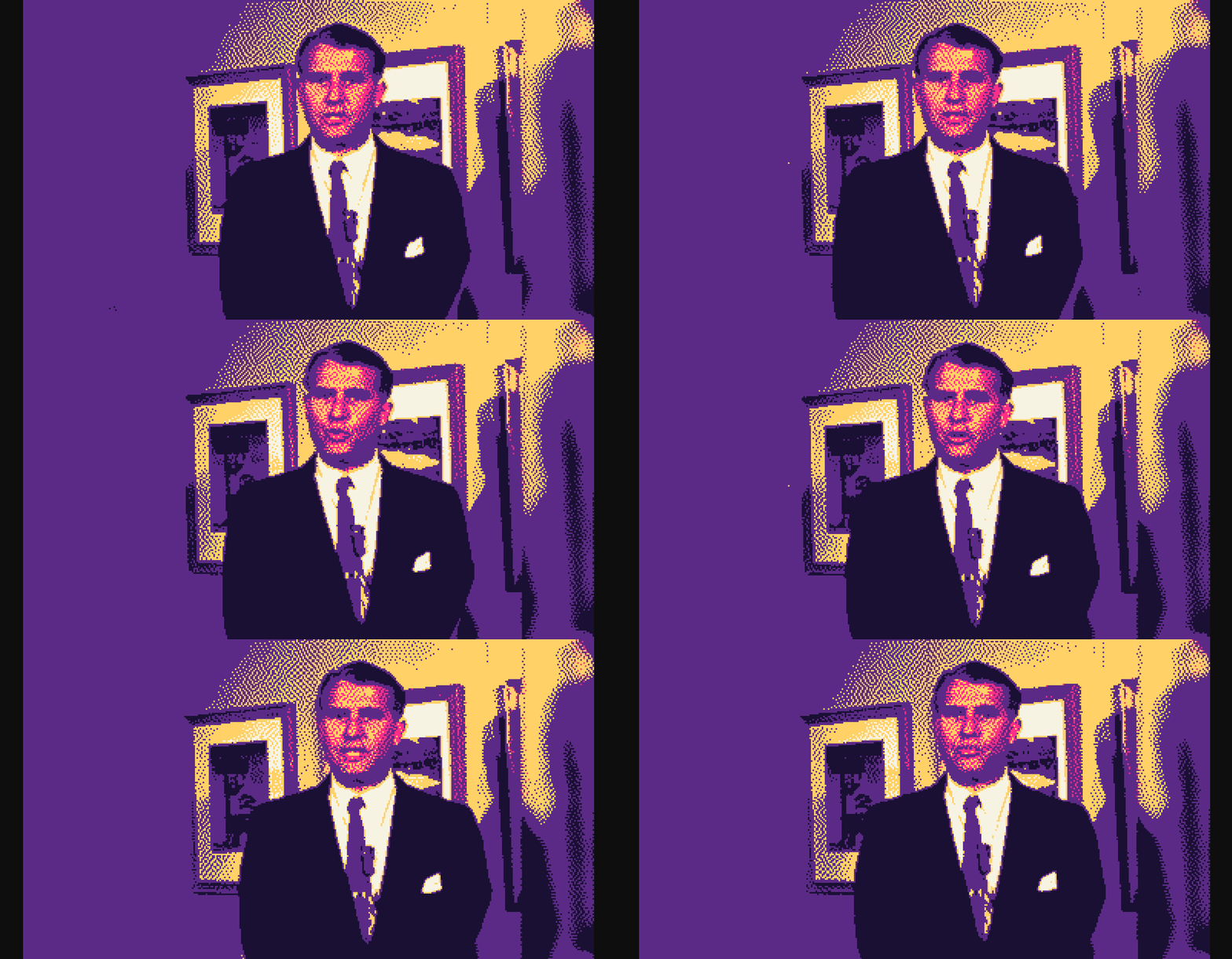

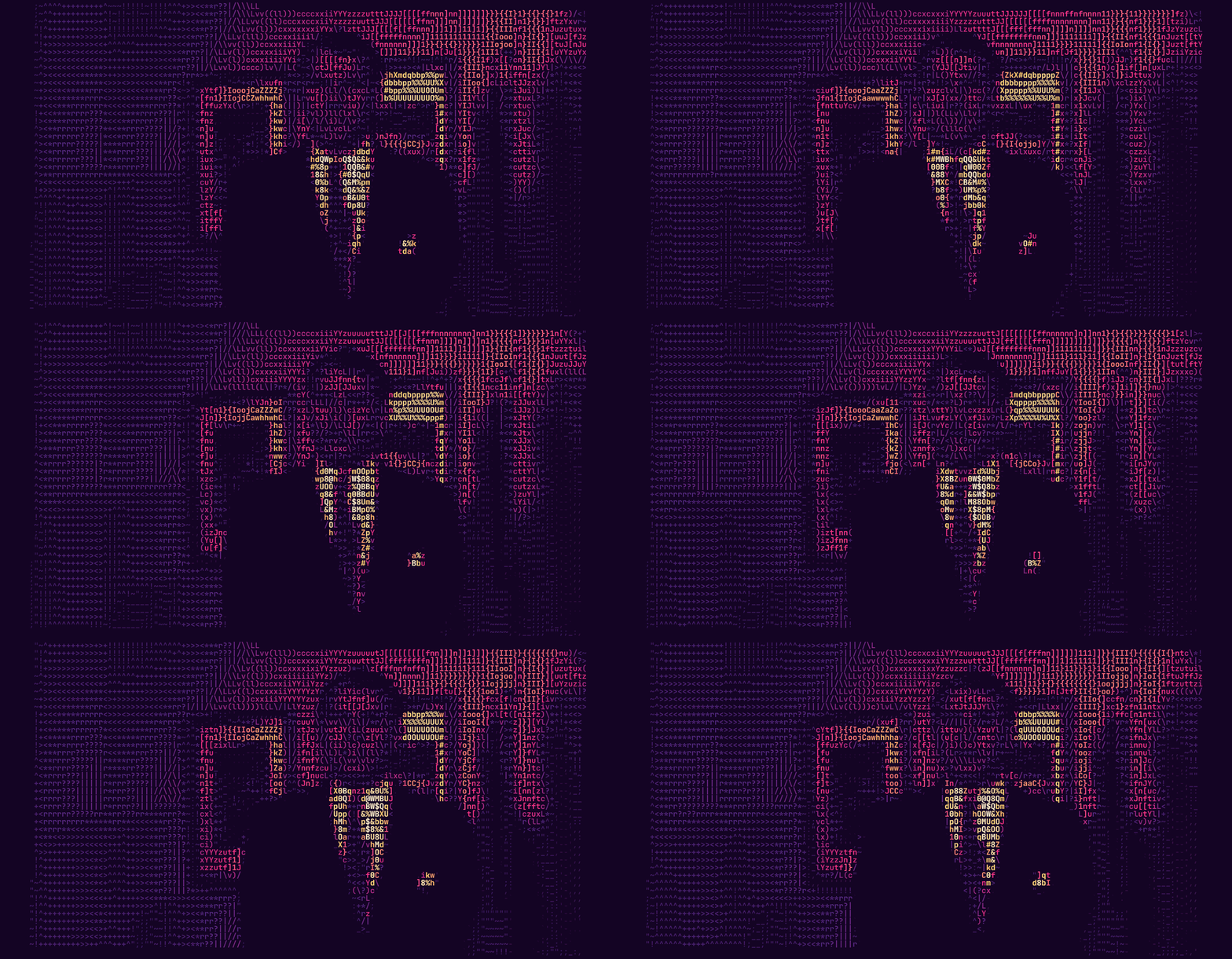
I built Supply Room for my own workflow. Experiential design runs on texture across signage, key art, screens and printed matter, and every project needed some version of the same effects. I was switching between single-purpose generators and losing time on each one. So I built one place for all of it, and then made it something my team could use too.
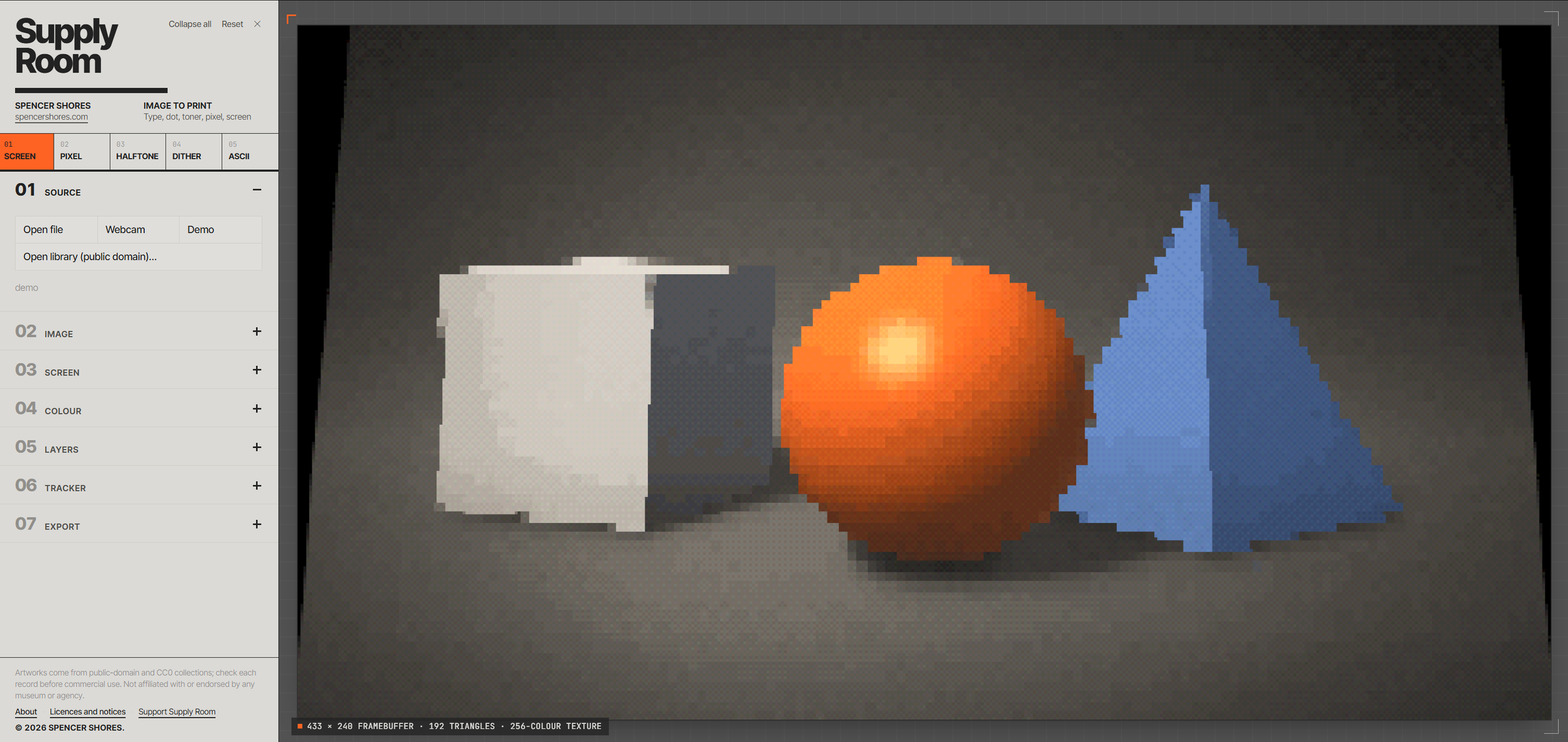
The name comes from the back room of an office, where you go to take what you need. That idea guided the design. The tool stays out of the way, and every choice it asks you to make is a design choice, not a technical one. Looks get you to a direction quickly, and every parameter stays editable once you’re there.
Supply Room is free, with an optional donation for anyone who finds a place for it in their work. It lives at supplyroom.design, and feedback goes to hi@spencershor.es.